


 Mistral
#1 in Sovereign AI: Frontier Open Models You Own
5,0
Mistral
#1 in Sovereign AI: Frontier Open Models You Own
5,0
A collection of websites that stand out visually and are genuinely usable, picked by hand. Browse the latest, study the details and save what inspires you.
The three sites that stood out most last week, based on saves and ratings.
Mistral
#1 in Sovereign AI: Frontier Open Models You Own
5,0

 ACE
For the brands of tomorrow
5,0
ACE
For the brands of tomorrow
5,0


 Matt Sleeps
Buying the perfect mattress?
0,0
Matt Sleeps
Buying the perfect mattress?
0,0

 Fastned
Ultrarapid charging stations for electric vehicles
0,0
Fastned
Ultrarapid charging stations for electric vehicles
0,0

 Truus
We make advertising for the new mainstream
5,0
Truus
We make advertising for the new mainstream
5,0

 HiFi Klubben
Bij HiFi Klubben vind je de allerbeste apparatuur voor hifi, streaming, TV en home-cinema
0,0
HiFi Klubben
Bij HiFi Klubben vind je de allerbeste apparatuur voor hifi, streaming, TV en home-cinema
0,0
 New
New
 GoodHabitz
0,0
GoodHabitz
GoodHabitz
0,0
7 more for members
Join the collective(The platform)
Great inspiration is useless if you can't find it again. Every site here is chosen for how it looks and how well it works, and you get the search, filters and library of a real product to keep it all organized.
(Search)
Results appear while you type: name, tagline and category, with your words highlighted.
(Filters)
Category, style and color, applied in one go.
(Feedback)
Give sites 1 to 5 stars and bookmark the ones worth keeping.
(Library)
Everything you save lands in one place, next to the Weekly Three, the latest additions and the highest rated.
Start with the Weekly Three, then browse the latest additions. Search, sort and filter by category, style or color.
Open a site to see what makes it work: the look, the palette and the typefaces. Then jump straight to the live website and feel how it behaves.
Save what inspires you, rate what blows you away and build a library you will actually come back to.
Screenshots are only the start. Every site comes with the details designers actually ask about.
(Colors & type)
Mistral
Headings ALTMistral
(Your library)
Give sites 1 to 5 stars, bookmark favorites and see the highest rated on your home screen.
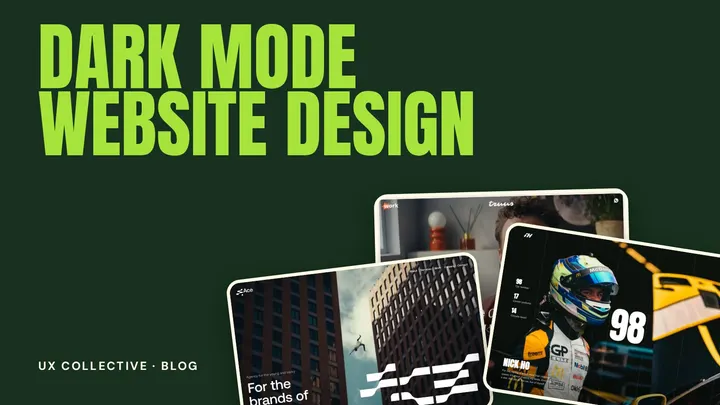 Guides
Dark mode is more than inverting colours. Learn how to choose backgrounds, handle contrast and typography, and avoid the common mistakes when designing a dark website.
14 Oct 2026 · 4 min read
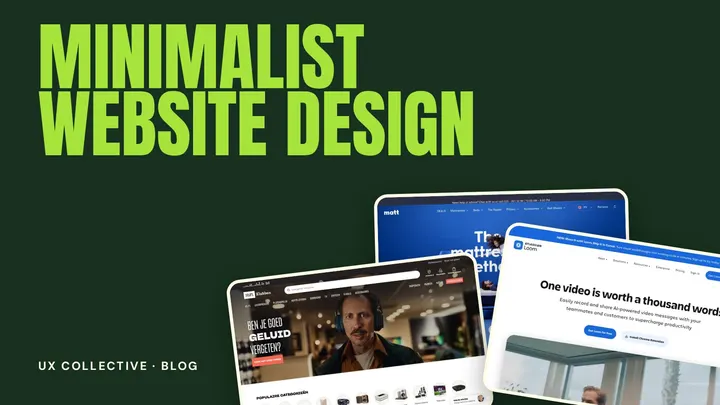 Guides
Minimalist web design is about removing everything that does not help the visitor. Learn the principles behind clean, simple websites and how to avoid making a design empty instead of clear.
14 Oct 2026 · 4 min read
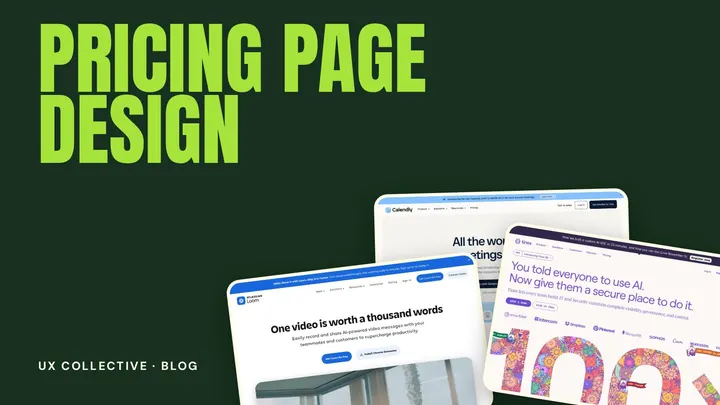 Guides
The pricing page is where interest turns into a decision. Learn the layouts that help visitors choose, how to write plan names and descriptions, and which mistakes cost conversions.
14 Oct 2026 · 4 min read
Yes. A free account unlocks every site, your library and your collections. Without an account you can browse the 8 newest sites, this week's Weekly Three, the blog and a preview of every section.
Websites that stand out visually and are also genuinely usable: clear, easy to navigate, readable and strong in search. Plenty of showy sites look amazing but are hard to use or hard to find, so we skip those. Some sites here lean more on visual impact, others on being effortless to use, but all of them hold up on both.
Every site is chosen by hand by the curator, on looks and on how well it works. Members can suggest a site through the form in the menu. We review each suggestion, and an approved site is added automatically, with its screenshots, colors and fonts.
Every Monday three sites are picked from the saves and ratings of the week before. Sites that made it get a Top pick label for good, and they are open to everyone during their week.
Yes. Save a site to your library, then add it to as many collections as you like, for example one per project. Add notes, and share a collection with a link so a client or teammate can look at it and keep their own copy.
A short video of how the site loads, a full-size screenshot, its color palette and typefaces, plus the individual sections of the page for members. Every image or video links straight to the live site.
We cut each site into its hero, pricing, footer, FAQ and more, so you can compare how different sites solve the same part of a page. Everyone can browse the first examples; members see them all.
Automatically, from the live page when a site is added. Treat them as a very good first guess.
Always. Every preview links straight to the live site. We only show the first screen and keep the rest of the experience where it belongs: in your browser.
(Free to join)
Create a free account and unlock all 17 websites, the colors, the fonts and your own library.